> The Forbidden Sock
> CHALLENGE DESCRIPTION
Our friend is really exposing himself out in public where is he??
FLAG FORMAT: CIT{Team_Section_#}
EXAMPLE: CIT{Nuggets_Section_2}
[Attached Asset: sock-01.jpg]
> METHODOLOGY
1. Initial Image Analysis & Reverse Search We are provided with a photo taken from the stands of a baseball stadium during a day game.
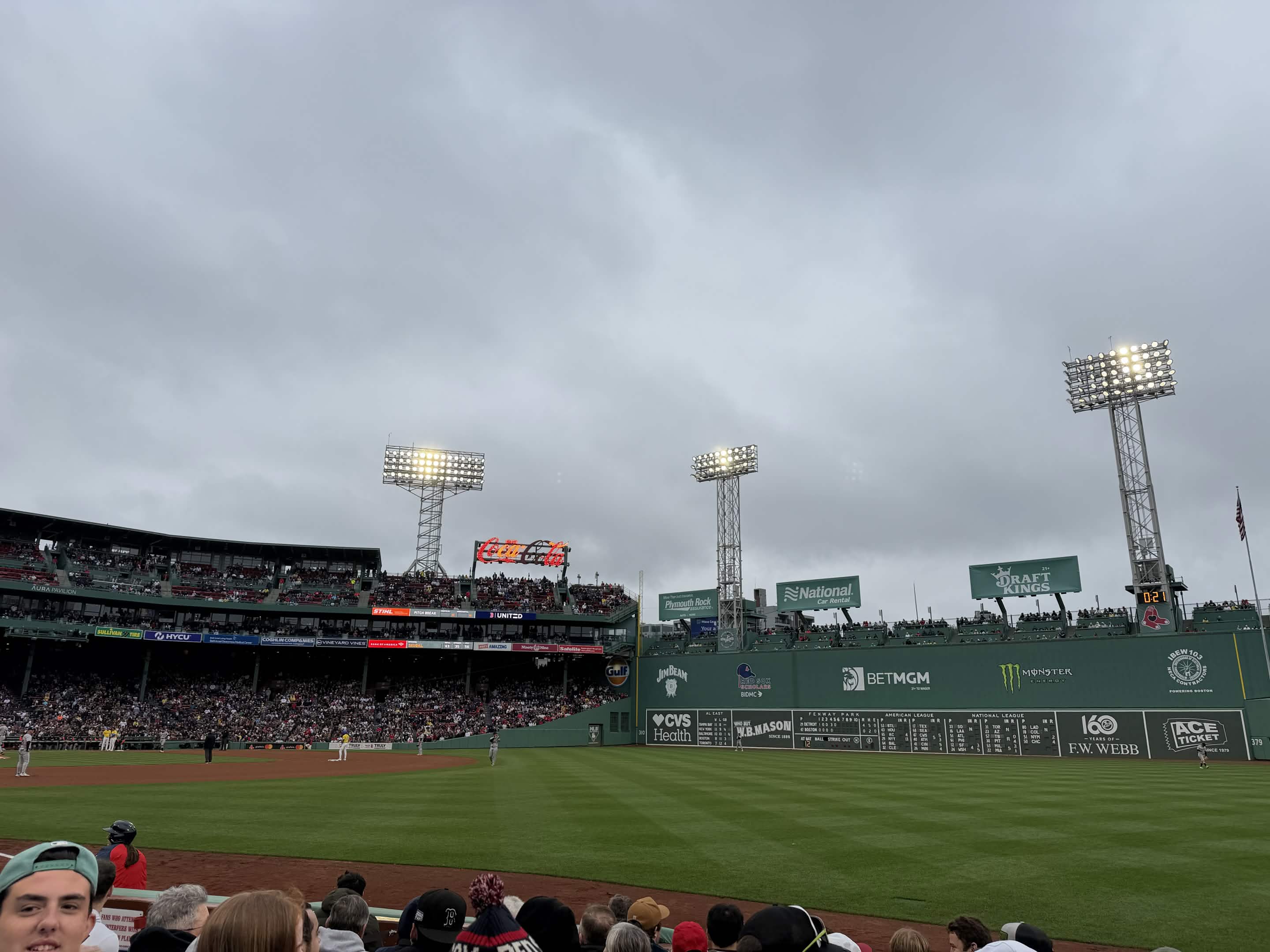
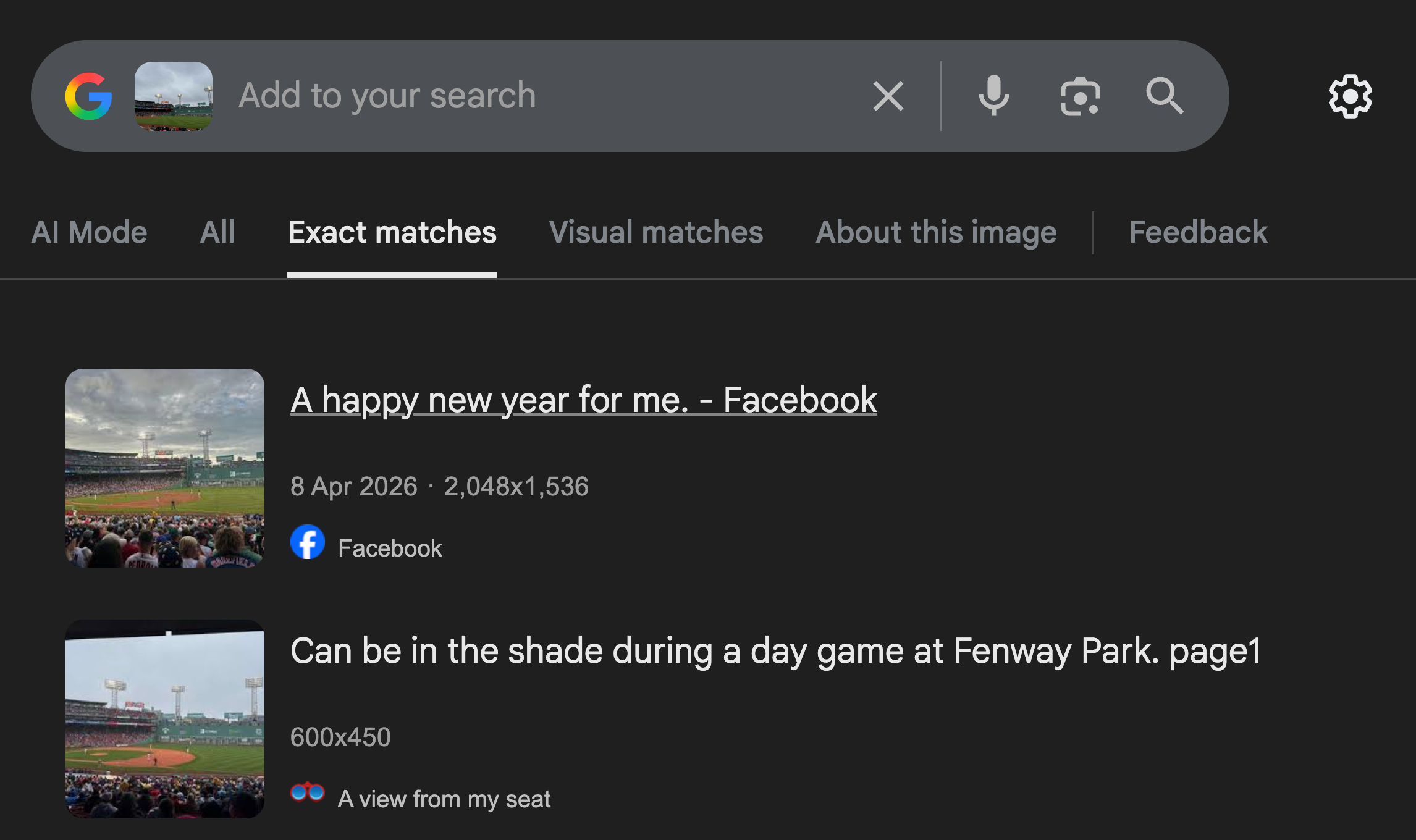
Running this image through Google Reverse Image Search (Google Lens) immediately identifies the iconic green walls and stadium architecture as Fenway Park, home of the Boston Red Sox.
2. Spatial Geolocation via 3D Mapping
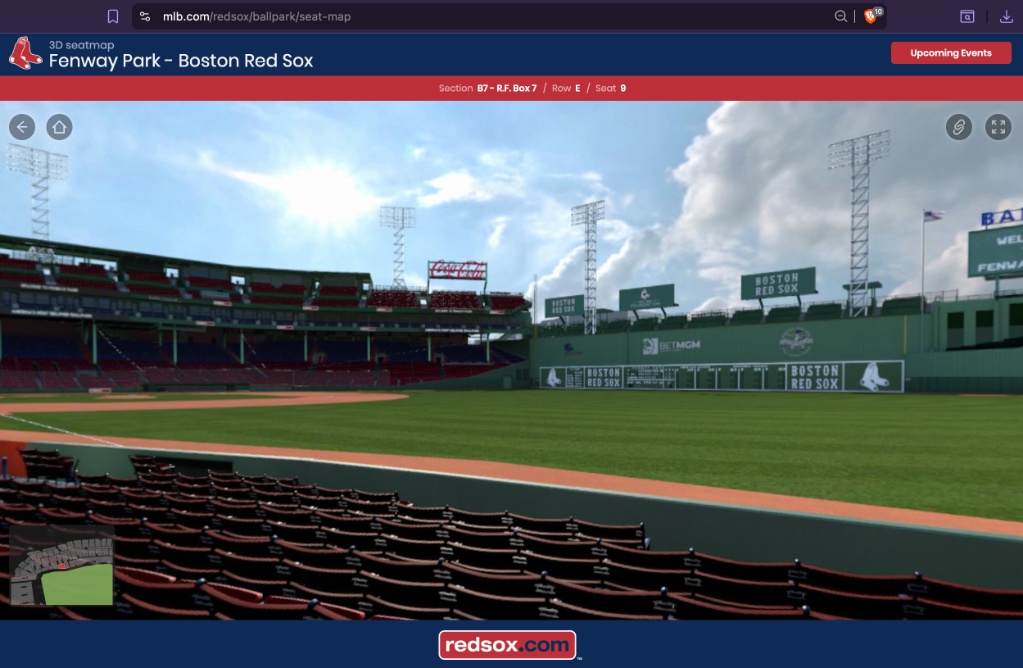
Knowing the stadium is Fenway Park and the team is the Red Sox, we now need to find the exact section number. I searched for “Fenway Park seating” and navigated to the official mlb.com 3D seat map.
By comparing the perspective of the original photo—specifically the angle looking toward the “Green Monster” wall, the placement of the light towers, and the foul line—we can drop into different sections on the 3D map to find a match.
The view aligns perfectly with the perspective from Section 7 along the right field line.
> THE FLAG
Using the required format CIT{Team_Section_#} and combining the home team (Red Sox) with our geolocated section (7):
CIT{Red_Sox_Section_7}